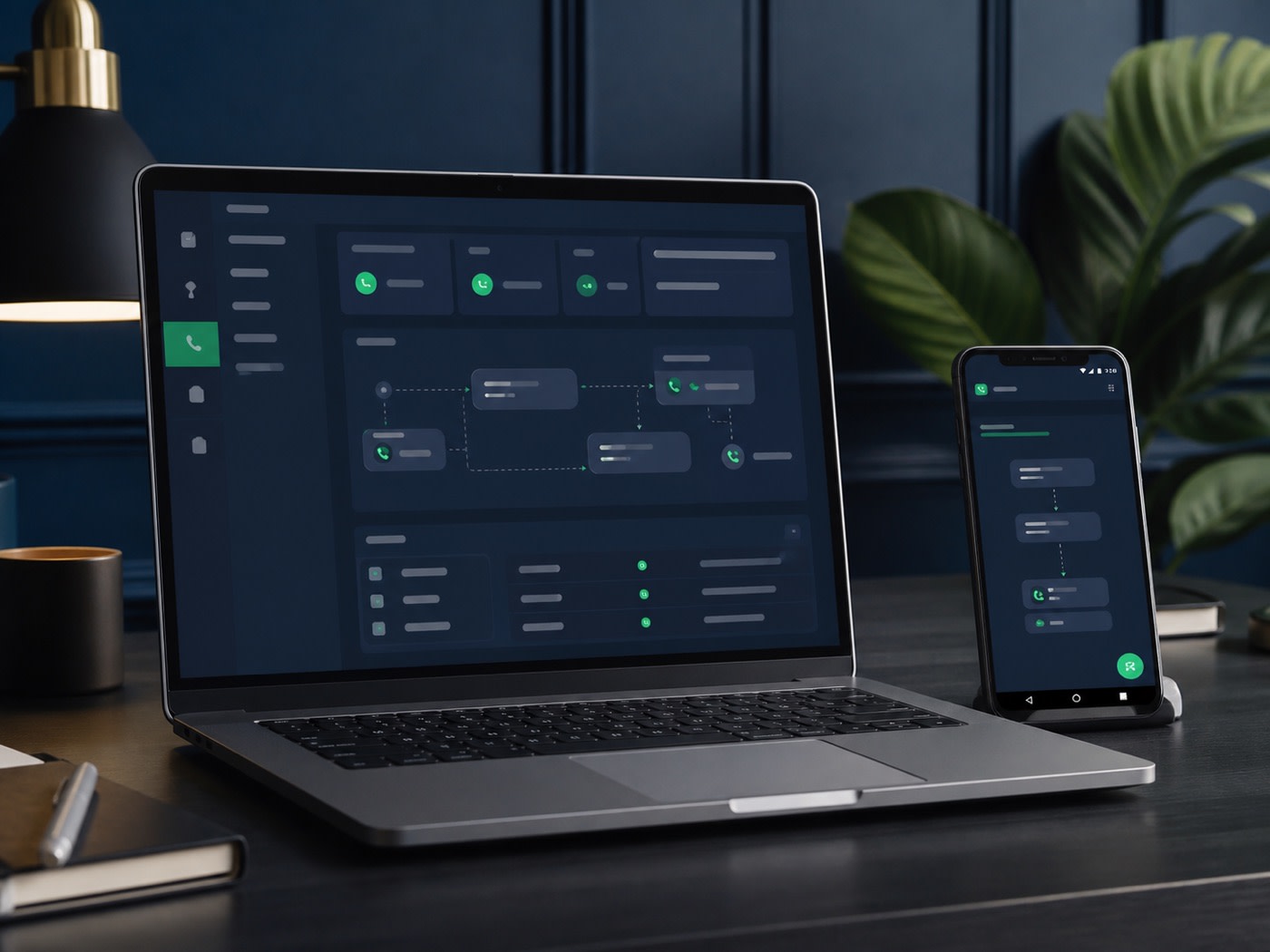
A virtual phone system gives a small business a cloud-based way to receive and route calls using business rules, supported devices and authorized team members rather than one fixed desk phone.
For Vancouver founders, contractors, consultants and distributed teams, the main benefit is control. A published business number can follow business hours, forwarding destinations and voicemail rules while personal contact details remain separate where the configuration supports it. The exact capabilities depend on the plan, number, carrier, device, destination and country.
The problem a virtual phone system solves
A personal mobile number is easy to start with but difficult to govern as a business grows. It belongs to one person, rings without shared context and can become embedded across customer accounts. A legacy office phone can offer structure, but it is tied to equipment and premises that a remote team may not use.
Cloud calling creates an administrative layer. The company can define where eligible calls go, what happens outside working hours and who has access. That does not mean every feature is automatic. Good implementation begins with a call map and clear ownership.
Local-number eligibility comes first
A Vancouver-area number can support local recognition, but it is never responsible to promise inventory before checking. Carriers may require identity or business information, and regulations can affect number assignment, messaging and portability. The desired area, number type and country must be reviewed.
Do not publish a placeholder number or assume an existing number can transfer. Ask whether porting is available, what records are required, how long the losing carrier may take and how service continuity will be handled. Calling destinations and rates also matter: a team forwarding to Canadian mobiles has a different cost profile from one routing internationally.
Design the call flow before configuring screens
An eligible business number receives the call.
The system checks the configured schedule.
The call follows an available destination.
An authorized user handles the conversation.
Eligible voicemail or another rule applies.
Start with customer intent. Sales calls may need a shared destination. Existing clients may need a service route. After-hours callers may need a recorded expectation or voicemail where supported. Avoid creating complicated menus when a straightforward rule will do.
Core features to evaluate
Business hours and forwarding
Business-hour rules determine which routing path applies at a given time. Check time zone, holidays, temporary closures and daylight-saving behaviour. Forwarding can send calls to supported destinations, but rates and international restrictions may apply.
Voicemail
Confirm whether voicemail is included, how authorized users receive notices, how long messages are retained and whether transcription is available. A clear greeting should identify the business and set an honest response expectation without promising an unsupported service level.
SMS and messaging
SMS is not universal. Number types, carriers and countries treat messaging differently. Some business messaging requires registration, and verification codes may be blocked. Confirm inbound and outbound capabilities, charges, consent responsibilities and record-handling needs.
Administration and reporting
Ask who can change destinations, add users and view call information. Small teams should still separate everyday user access from administrative control. Available logs may help diagnose missed calls, but retention and privacy practices should match business obligations.
Desktop, browser and Android workflows
A browser or desktop workflow suits people working at a computer. The OfficeSpaces Phone Android app can support compatible mobile use for an eligible account and plan. Check operating-system compatibility, network quality, notifications, permissions and battery behaviour. Test with the devices and networks the team actually uses.
Mobile data and Wi-Fi quality influence internet calling. A backup routing path can help when a user is unavailable, but it should not be confused with guaranteed resilience. Teams should document what to do during internet, carrier or service interruptions.
Compare three common approaches
| Consideration | Personal mobile | Legacy office phone | Virtual phone |
|---|---|---|---|
| Business identity | Mixed with one person | Separate fixed number | Separate eligible number |
| Team routing | Manual and limited | Equipment-dependent | Rule-based where supported |
| Remote work | Works for one user | Often premises-focused | Designed for supported devices |
| Administration | Personal settings | Provider or hardware tools | Cloud account controls |
| Key caveat | Ownership and privacy | Hardware and location | Internet, carrier and feature eligibility |
Security and administration practices
Assign each person their own authorized access when the service supports it. Remove former team members promptly. Use strong unique credentials and available multi-factor protection. Limit administrative rights, review forwarding destinations and document who can approve configuration changes.
Fraud can turn compromised calling accounts into unexpected charges. Watch for changed destinations, unusual international activity or unrecognized users. Explain privacy and consent expectations for voicemail, messaging and call records. Do not record calls unless the business has established an appropriate legal and operational basis.
The best call flow is one the team can explain, test and administer—complexity is not the same as professionalism.
Setup checklist
- List the desired number area and any number to port.
- Identify calling countries, destinations and expected usage.
- Draw open-hours, after-hours and no-answer routes.
- Confirm voicemail, SMS and Android eligibility.
- Assign users, administrators and configuration approval.
- Document emergency-calling limitations and backup methods.
- Test inbound, outbound, forwarding and notification behaviour.
- Review rates, taxes, messaging and number charges.
Choosing a plan
Phone System reference pricing starts from $19.99 CAD monthly. Office + Phone starts from $39.99 when an eligible address workflow is also needed. Starting prices do not establish total cost; usage, numbers, destinations, messaging, taxes and optional services can vary.
Choose the smallest plan that supports the required workflow, then confirm growth options. The virtual phone page shows the feature model, the setup guide covers review steps, and pricing compares package focus.
Prepare the team for launch
Configuration is only one part of implementation. Give each user a short operating guide: which calls they should answer, how the business should be introduced, where notes belong, what to do with sensitive information and how an unavailable person changes status. Agree who owns greetings, schedules and temporary routing changes.
Run realistic tests from an outside number during open hours, after hours and a simulated no-answer situation. Check what the caller hears, which devices ring, how caller information appears and whether voicemail notices reach the correct people. Repeat tests after major configuration or staffing changes.
Measure the workflow without inventing performance claims
Use available call information to find operational problems, not to imply guaranteed response or service quality. Look for repeated missed-call periods, destinations that no longer work and confusing after-hours paths. Ask the team whether notifications are useful or noisy. Small adjustments to schedules and ownership can be more valuable than adding features.
Document outages and fallback procedures. Keep carrier support details and account ownership current. When a business depends on calls for safety-critical or time-sensitive work, it should design additional communication paths appropriate to that risk rather than treating a cloud phone as guaranteed infrastructure. Review this continuity plan with every new administrator and after material service changes.
Frequently asked questions
Is a Vancouver local number guaranteed?
No. Local-number availability depends on current inventory, plan, carrier coverage, identity requirements and applicable regulations. Confirm the exact number before advertising it.
Can a virtual phone replace emergency calling?
Do not assume it can. Emergency calling capabilities and location information vary by service, device and country. Maintain an appropriate method for emergency calls and confirm all limitations.
Is SMS available on every number?
No. Messaging depends on number type, carrier, country, registration requirements, plan and regulations. Confirm whether inbound, outbound, multimedia or verification messages are supported.
Can employees use personal phones without showing personal numbers?
An eligible app or forwarding workflow may separate some business calling from personal contact details, but behaviour depends on configuration, device, plan and destination. Test the chosen workflow before customer use.