Cloud business calling
Your Vancouver business calls, routed around your team.
Configure a business number, forwarding rules and working hours from a flexible phone workflow designed for browser, desktop and Android use.

What does a virtual phone system do?
It gives a business a cloud-based calling workflow so incoming calls can follow forwarding rules, business hours and team availability instead of relying on one desk phone.
Route each call with intention.
Choose forwarding destinations and direct enquiries to the right person or workflow.
Match your real working day.
Use business-hour rules to determine where calls go during open and after-hours periods.
Keep a distributed team connected.
Give authorized team members a consistent workflow across supported devices.
Carry business calling on Android.
Use the OfficeSpaces Phone app on a compatible Android device with an eligible account and plan.
* Number, destination, voicemail and messaging features depend on plan, carrier, country and regulations. Essential feature information remains available in the page content without JavaScript.
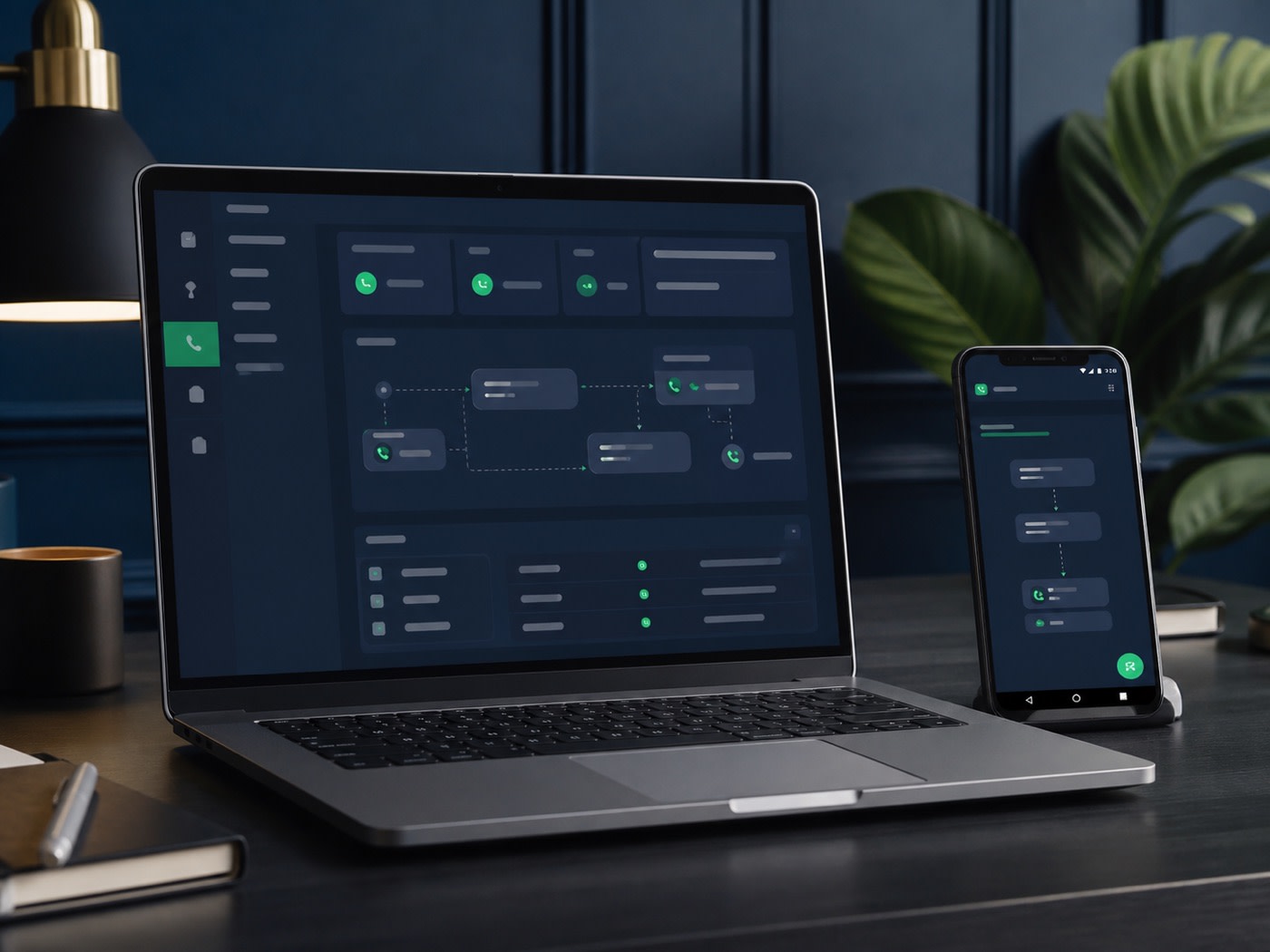
Move between desk and Android.
Use supported browser or desktop workflows when you are at your computer, and take eligible business calling with you through the Android app.
- Local-number options where available
- Call forwarding and routing rules
- Business-hours configuration
- SMS and voicemail where eligible
Virtual phone questions.
Features and rates can vary. Confirm the exact number, destination and messaging needs for your team.
Can I get a Vancouver business number?
Local-number availability depends on inventory, plan, carrier coverage, identity requirements and applicable regulations. Confirm availability for your preferred area before signup.
Can calls ring more than one person?
Call forwarding and routing options can direct calls to selected people or destinations, subject to plan capabilities, destinations, rates and configuration.
Does the phone system support SMS and voicemail?
Voicemail and messaging may be available depending on the plan, number type, carrier, country and regulations. Confirm the features required for your workflow.
Is there an Android app?
Yes. The OfficeSpaces Phone app is available on Google Play for compatible Android devices; account and plan requirements apply.